5 Best Property Management Software for UK Landlords

If you let property in the UK, you've probably noticed that the job has changed. Picking the right property management software now sits among the most useful decisions you can make, because the day-to-day reality of being a landlord looks far more like running a small business than it did a decade ago. You face more compliance dates, more record-keeping, and more financial scrutiny than ever before, and a drawer of paper and a tangle of spreadsheets simply can't keep pace.

Two pressures explain why so many landlords are making the switch right now. First, regulation keeps shifting: the Renters' Rights Act and Making Tax Digital for Income Tax both raise the bar for accurate, dated records. Second, the everyday admin of rent, documents, maintenance, and certificates gets harder to track as your portfolio grows. Software helps you stay on top of both.

We compare five established platforms used by UK landlords. Rather than crowning a single winner, we describe what each tool does well and who it suits best, then we walk you through a simple process for choosing. Start with the comparison table below for a quick overview, then read on for the detail.

At a glance: 5 platforms worth considering

The table below gives you a quick way to triage the five tools covered in this guide. Treat it as a starting point rather than the final word, and read the full profiles that follow before you shortlist anything.

Software Best for MTD-ready Free option Standout strengths
Landlord Vision Portfolio landlords Yes Free trial Integrated property accounting and reporting
Arthur Online Larger portfolios, agents, and teams Yes Demo only Automation, workflows, and stakeholder apps
Hammock Finance-first landlords Yes Free tier Bank-feed bookkeeping and a clear tax view
Landlord Studio Hands-on landlords wanting lighter finance tracking Yes Free tier Mobile expense capture and tax-ready reports
Property Hawk New and small-scale landlords on a budget No Free Free, simple rent and document basics

So, why do landlords suddenly need landlord software?

Plenty of landlords have managed for years without dedicated software. As of 2026, two regulatory changes have shifted software from a nice-to-have to something close to essential, and it's worth understanding both before you choose a tool.

The first is Making Tax Digital for Income Tax. From April 2026, landlords with qualifying income above £50,000 must keep digital records and send quarterly updates to HMRC using compatible software. From April 2027, that threshold drops to £30,000, which brings far more landlords into scope. If your rental income sits above either figure, MTD-ready software stops being optional.

The second is the Renters' Rights Act, which reshapes the possession process and raises expectations around record-keeping. With the old route to no-fault possession gone, accurate and dated records of rent payments and formal notices carry more weight than before. Many landlords are also weighing up structural decisions in response, and PropertyData's view on the abolition of Multiple Dwellings Relief is a useful example of how regulation now feeds directly into portfolio strategy.

The practical takeaway is simple. Choosing software today is partly about future-proofing your business, so it pays to pick a tool that already handles the rules you'll be living with for years to come.

What should you look for in property management software?

Every platform markets itself slightly differently, so it helps to judge them against a consistent checklist. Here are the criteria that matter most, and the ones we've built this comparison around. Use them to work out which features you genuinely need before a sales page tells you what you want.

  • Rent tracking and arrears visibility. Look for automatic rent schedules and a clear paid, due, or overdue status across each tenancy and the whole portfolio.
  • UK compliance tracking. The tool should cover gas safety, electrical inspections, EPCs, deposit protection, and licensing, with reminders that surface a deadline before it lapses.
  • Accounting and tax support. Expense capture, income and expenditure reporting, and MTD compatibility all save you hours when the tax return comes round.
  • Bank integration. Open Banking feeds and automatic transaction matching cut out most of the manual reconciliation that bogs landlords down.
  • Document storage. Secure, per-property folders for certificates and agreements keep everything to hand. Strong document handling habits are one of the quiet markers of a well-run portfolio.
  • Maintenance logging. A structured way to record, assign, and close repair jobs gives you an audit trail and keeps tenants informed.
  • Reporting. Portfolio-level performance and profit-and-loss views, plus accountant-ready exports, help you see which properties actually earn their keep.
  • Scalability. Pick a tool that fits the portfolio you're growing into, not just today's. Switching platforms later means re-entering data and real disruption.
  • Support and onboarding. Responsive UK-based support and a realistic setup path matter most when you're migrating off spreadsheets for the first time.

No single tool tops every category, and that's fine. The goal is to match a platform's strengths to your own priorities, which is exactly what the next section is designed to help you do.

In depth: the 5 best property management software platforms for UK landlords

For each tool below, you'll find who the tool suits, a plain overview of what it is, its key features, and a note on pricing.

Let's get stuck in.

1. Landlord Vision

Best for: UK landlords with growing portfolios who want compliance confidence, operational control, and clear financial visibility in one place.
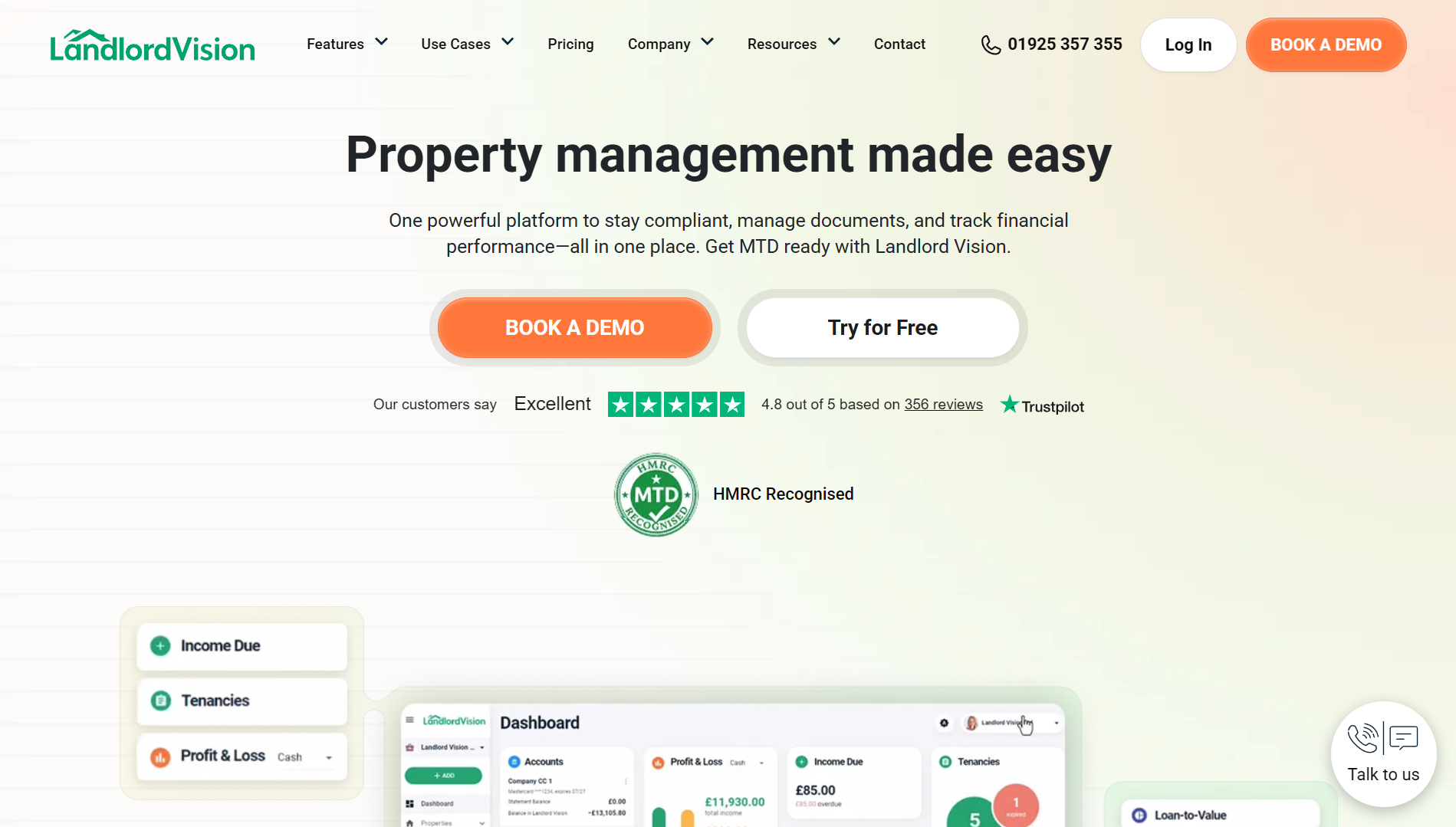
Landlord Vision property management software dashboard

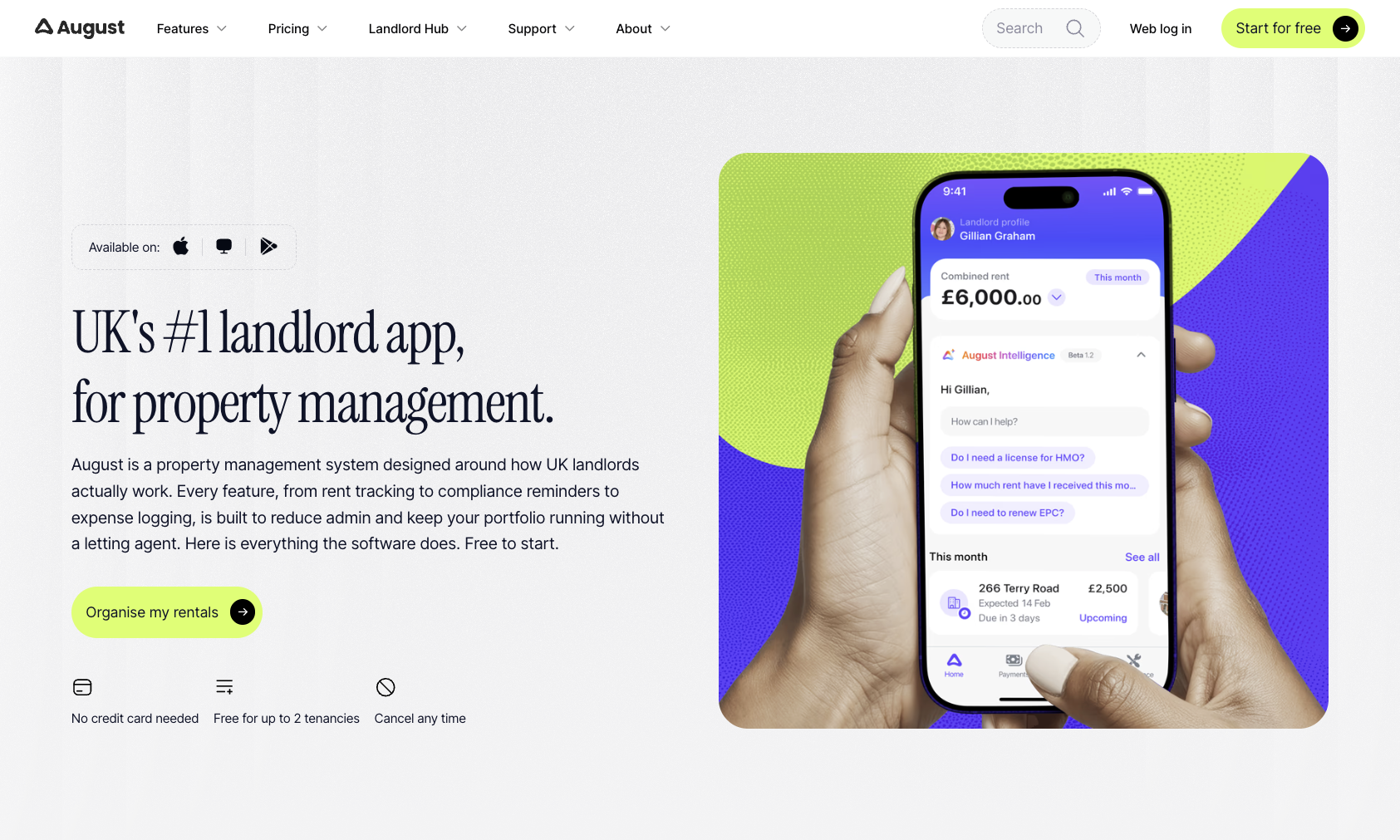
Landlord Vision is a MTD-ready UK-focused property management software built for portfolio landlords who run their rentals as a proper business and have outgrown spreadsheets and paperwork. It combines property-specific accounting with portfolio management in a single dashboard, and its workflows are designed around UK requirements rather than adapted from overseas. The platform has been established in the market for many years and is used to manage a large volume of rental property across the country.

Where Landlord Vision stands out is the depth of its financial side. It uses double-entry bookkeeping built specifically for property businesses, so your accounts hold up to scrutiny without you needing to bolt on generic accounting software. If you want to understand performance at the level of detail behind metrics like rental yield, that accounting backbone is a genuine advantage.

Key features include:

  • Property-specific accounting with live UK bank feeds and property-aware transaction matching.
  • Automated rent tracking with real-time arrears visibility across tenant, property, and portfolio.
  • Property-level and portfolio-level profit-and-loss reporting, built for portfolios rather than generic accounts.
  • Compliance tracking with deadline alerts, secure cloud document storage, and built-in legal document templates.
  • Task management, granular portfolio admin, and support for Making Tax Digital for Income Tax.

Landlord Vision suits landlords juggling multiple tenancies who value reporting depth and want their accounting and portfolio management joined up. The accounting-led interface rewards landlords who want that detail, so if you only manage one or two properties and prefer something very light, you may find it more than you need. On pricing, Landlord Vision offers tiered plans based on the number of tenancies, with a free trial available, so check the current plans and prices on its site before deciding.

2. Arthur Online

Best for: Large portfolios, letting agents, and landlords with teams who need automation and workflow depth.
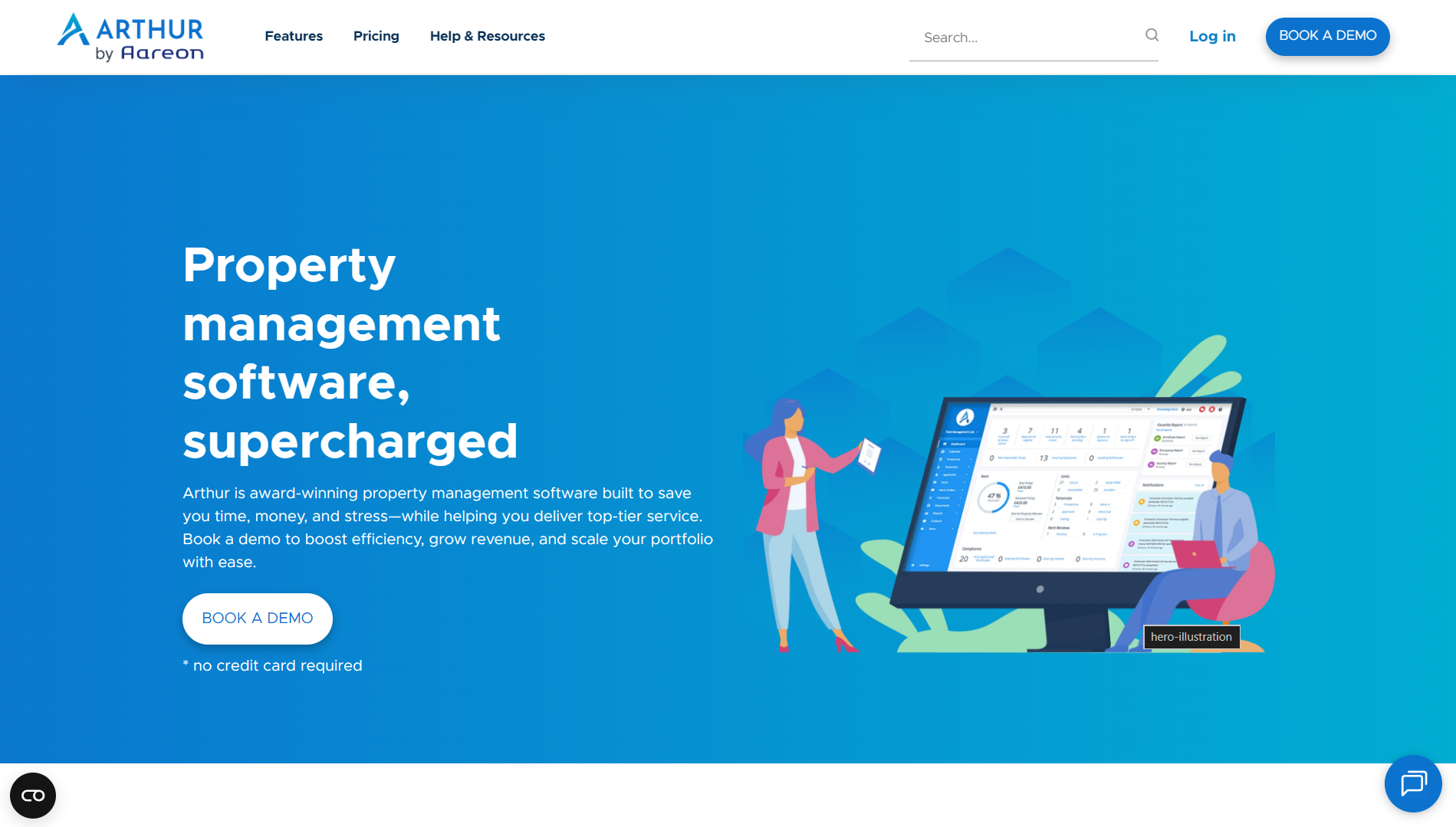
Arthur Online property management platform

Arthur Online is a cloud-based platform built to streamline operations through configurable workflows and automation. It supports a wide range of users, from letting agents and self-managing landlords to student and social housing operators, and it offers dedicated apps for different stakeholders. It also integrates with the accounting platform Xero and includes live bank feeds.

The appeal here is scale. If several people touch your properties, or your unit count has climbed into territory where manual processes break down, Arthur's automation rules and contractor workflows do a lot of heavy lifting. Landlords managing remotely or across regions, a challenge covered well in PropertyData's guidance on running a portfolio at a distance, tend to value that kind of structure.

3. Hammock

Best for: Finance-first landlords who lead with their accounts and want bookkeeping and tax handled cleanly.
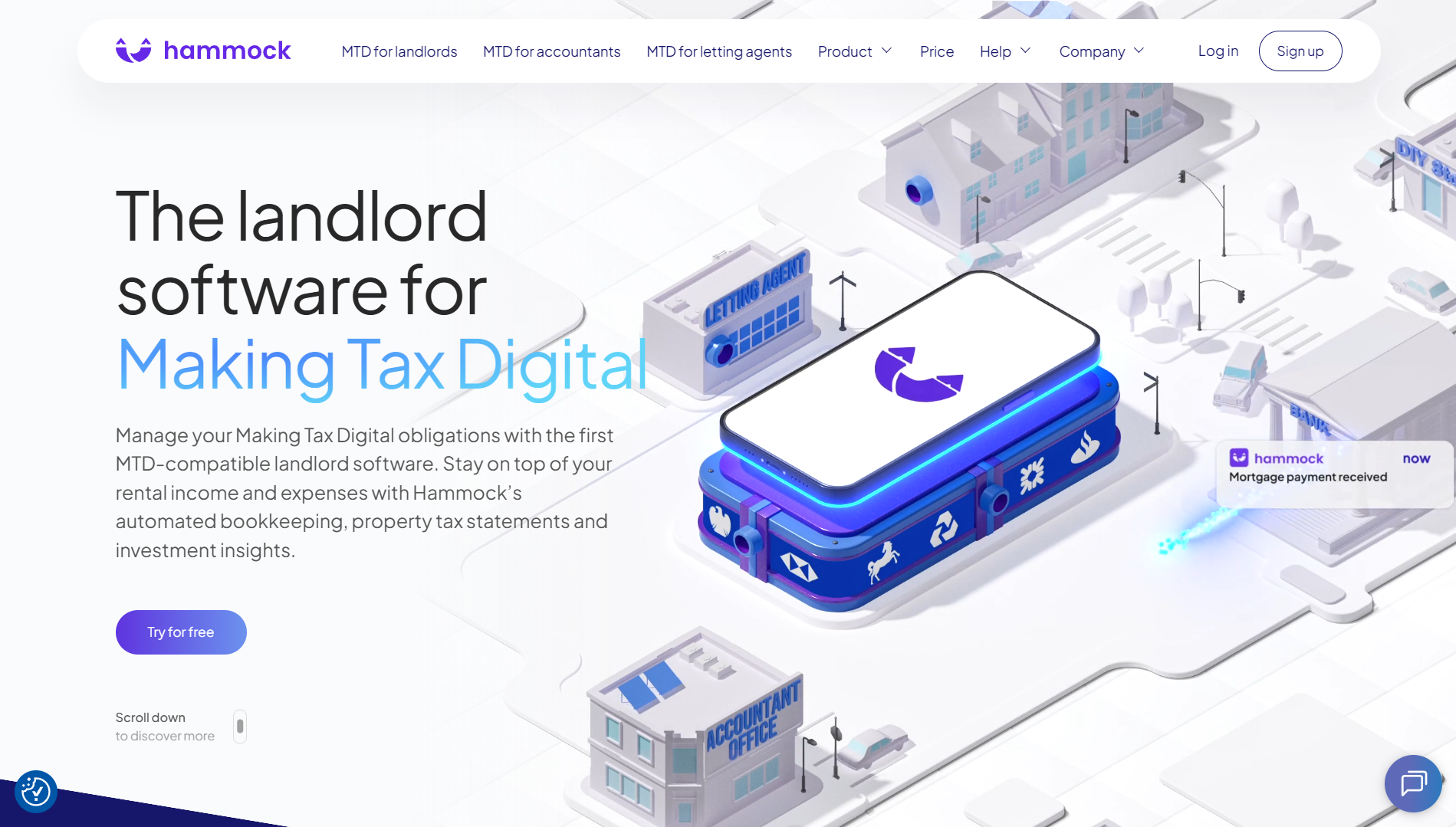
Hammock landlord bookkeeping and tax software

Hammock takes a deliberately focused approach. Rather than trying to be an all-in-one operational platform, it concentrates on bookkeeping and tax, with real-time income and expense tracking, bank reconciliation, and quarterly tax submissions at its core. It was also an early platform recognised by HMRC as compatible with Making Tax Digital.

Think of Hammock as a finance command centre for your rentals. If you lead with the numbers and want a clear, current picture of cashflow and your likely tax position, it delivers exactly that. It's a strong fit for landlords who treat property as a serious financial asset, much as you might weigh property against a pension when planning for the long term.

4. Landlord Studio

Best for: Hands-on landlords who want a lighter, finance-first tool for rent and expense tracking with strong mobile capture.
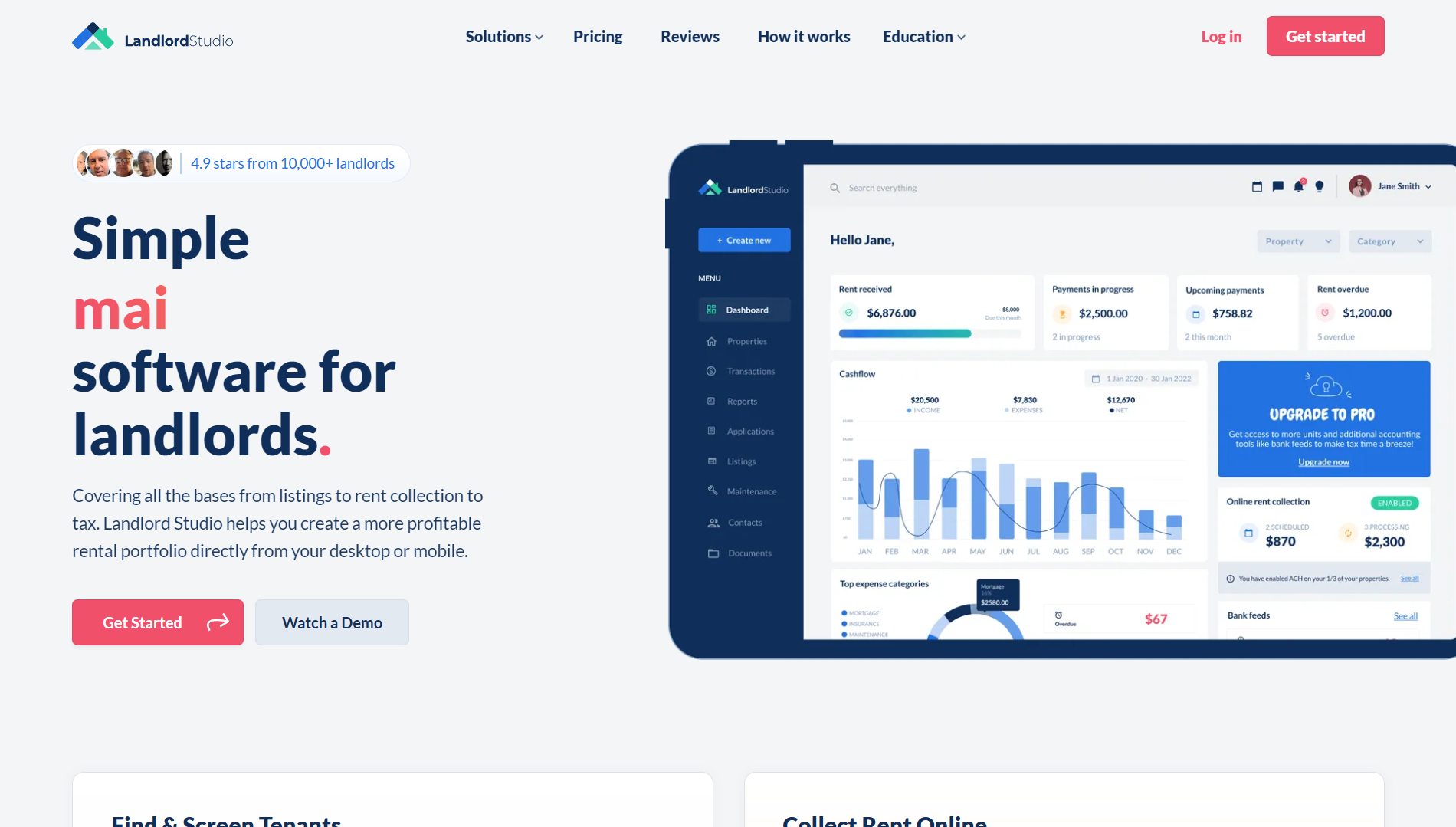
Landlord Studio rental accounting app

Landlord Studio sits between a simple spreadsheet replacement and a heavyweight operational system. It's a property management and rental-accounting platform aimed at self-managing landlords who want cleaner records without adopting a complex workflow tool. It focuses on income and expense tracking, online rent collection, receipt scanning, and tax-ready reporting, and offers both mobile apps and a web app.

Its strength is everyday practicality. The mobile experience makes it easy to snap a receipt or check a payment between viewings, and the reporting is geared towards making your tax return painless. For landlords still building a portfolio from the early stages, that lighter footprint is often exactly what's needed.

5. Property Hawk

Best for: New and small-scale landlords who want a free, no-frills way to stay organised.

Property Hawk is a long-established, free landlord software designed to cover the basics of running one or a few rental properties. It gives you core organisational tools, including rent tracking, a digital rent ledger, document templates, and task reminders, aimed squarely at landlords who want something simple and entry-level.

Its biggest draw is obvious: it costs nothing. For a landlord with one property who simply wants to record rent and keep a few documents in order, that's a reasonable place to begin. It's a sensible first step if you're still deciding whether buy-to-let is right for you and don't want to commit to a subscription yet.

How to choose the right tool for your portfolio

Most landlords don't need the 'best' tool in the abstract; they need the one that fits their portfolio and the way they work. The seven steps below give you a repeatable way to get there.

  1. Start with portfolio size and trajectory. Match the tool to the portfolio you'll have in two years, not just today, because switching platforms later means re-entering data and real disruption.
  2. Decide whether you're finance-led or operations-led. Some landlords most need clean accounts and tax-readiness; others most need tenancy, maintenance, and document workflows. Many want both, so be honest about which problem is bigger.
  3. Check MTD-readiness against your income. If your qualifying income sits above the Making Tax Digital threshold, compatible software is effectively a requirement rather than a preference.
  4. List your five non-negotiables. For most landlords that means rent tracking, compliance reminders, certificate expiry alerts, a maintenance log, and year-end reporting. If a tool misses one, it's probably not for you.
  5. Test before you commit. Use free trials and demos to add a real tenancy with some rent history and log a maintenance job. The workflows you'll touch daily are the ones to judge.
  6. Think about your accountant. Clean, accountant-ready exports save money at year-end, so check what each tool actually produces before signing up.
  7. Weigh support and onboarding. Migrating off spreadsheets is the hard part, so responsive UK support and a sensible setup path are worth real weight in your decision.

Work through those steps and a clear front-runner usually emerges. If two tools still feel close, trial both against your own properties for a week. The right answer tends to reveal itself quickly once real data is involved.

A last word

There's no single best property management software for every UK landlord, and any guide that claims otherwise is oversimplifying. The right choice depends on the size of your portfolio, whether you lead with finances or operations, and how soon Making Tax Digital affects you.

To recap the shortlist: Landlord Vision suits growing portfolios run as a business; Arthur Online fits larger operations and teams; Hammock works for finance-first landlords; Landlord Studio appeals to hands-on landlords who want a lighter touch; and Property Hawk gives brand-new landlords a free starting point.

Use the comparison table and the seven-step process above to narrow the field to two contenders, then trial them against your own properties before you decide. Whichever you choose, moving off spreadsheets and into a proper system is one of the most worthwhile upgrades you can make, and the same data-led mindset that helps you make smarter investment decisions will serve you just as well in the day-to-day running of your portfolio.

Sign up to PropertyData for free

How PropertyData can help you

PropertyData investor illustration

Be a smarter property investor using data

Some of the ways property investors use PropertyData to boost their returns

I'm an investor
PropertyData data illustration

Make data-driven development decisions

How property developers can use market research in decision-making

I'm a developer
PropertyData clients illustration

Save time and impress your clients with data

How agents can use PropertyData to gain an edge on the competition

I'm an agent

Limit reached

Sorry, you've reached your monthly search limit.

Upgrade your plan for more searches.

Upgrade

Upgrade to download PDFs

There are many places in PropertyData to export data as well-formatted PDF files, including Local Data, Plot Map, Valuations, property reports and more.

  Download PDFs Branded PDFs
Basic
Standard
Pro
Unlimited
Start your free trial now

Transparent data promise

Where does the raw data come from?

Property listings seen on rightmove.co.uk, zoopla.co.uk and onthemarket.com.

How often is the data updated?

The data is updated in near real-time.

What time period does the data cover?

This is a real-time market snapshot - the data covers currently listed properties. Once properties are removed from the portal, they are soon removed from this tab.

How is the raw data processed?

Duplicates from multiple sources are matched and reconciled as far as possible. Listings with obvious errors, where price or number or bedrooms appear out of range, are discarded.

What are the statistics used?

Averages shown are the interquartile mean, a type of average that is insensitive to outliers while being its own distinct parameter. The 80% range means that 80% of the listed properties fall inside this range.

Where does the raw data come from?

Property listings seen on rightmove.co.uk, zoopla.co.uk and onthemarket.com.

How do you know the square footage of properties?

We use proprietary technology to read the square footage of properties from agent floorplans. Although we cannot determine the square footage for all properties, we can usually get sufficient coverage. Agents are sometimes known to inflate square footage, and this should be borne in mind as a weakness of this data.

How often is the data updated?

The data is updated in near real-time.

What time period does the data cover?

This is a real-time market snapshot - the data covers currently listed properties. Once properties are removed from the portal, they are soon removed from this tab.

How is the raw data processed?

Duplicates from multiple sources are matched and reconciled as far as possible. Listings with obvious errors, where price or number or bedrooms appear out of range, are discarded.

What are the statistics used?

The average shown is the interquartile mean, a type of average that is insensitive to outliers while being its own distinct parameter. The 80% range means that 80% of the listed properties fall inside this range.

Where does the raw data come from?

Property "price paid" data provided by the Land Registry.

How often is the data updated?

Once per month when released by the Land Registry, typically towards the end of each calendar month covering up to the end of the previous calendar month.

What time period does the data cover?

You can customise the time period using the filter at the top of the view. The default time period is up to 9 months back from today's date. The latest data covers the period up to 2026-04-30, although some sales that took place before this date may still be added in the coming months.

How is the raw data processed?

No additional processes are applied to this data.

What are the statistics used?

Averages shown are the interquartile mean, a type of average that is insensitive to outliers while being its own distinct parameter. The 80% range means that 80% of the listed properties fall inside this range.

Where does the raw data come from?

Property "price paid" data provided by the Land Registry, and Energy Performance Certificate (EPC) data provided by MHCLG.

How do you know the square footage of properties?

We match the Land Registry data to EPC data provided by MHCLG. Due to the fact that not all properties sold have had an EPC and vagaries of addressing in the UK, we are not able to determine the square footage of all properties, but we can usually get sufficient coverage.

How often is the data updated?

The private paid data is updated once per month when released by the Land Registry, typically towards the end of each calendar month covering up to the end of the previous calendar month. The energy performance certificate database is updated monthly.

What time period does the data cover?

You can customise the time period using the filter at the top of the view. The default time period is up to 9 months back from today's date. The latest data covers the period up to 2026-04-30, although some sales that took place before this date may still be added in the coming months.

How is the raw data processed?

No additional processes are applied to this data.

What are the statistics used?

The average shown is the interquartile mean, a type of average that is insensitive to outliers while being its own distinct parameter. The 80% range means that 80% of the listed properties fall inside this range.

Where does the raw data come from?

Property listings seen on rightmove.co.uk, zoopla.co.uk and onthemarket.com.

How often is the data updated?

The data is updated in near real-time.

What time period does the data cover?

This is a real-time market snapshot - the data covers currently listed properties. Once properties are removed from the portal, they are soon removed from this tab.

How is the raw data processed?

Duplicates from multiple sources are matched and reconciled as far as possible. Listings with obvious errors, where price or number or bedrooms appear out of range, are discarded.

What are the statistics used?

The average shown is the interquartile mean, a type of average that is insensitive to outliers while being its own distinct parameter. The 80% range means that 80% of the listed properties fall inside this range.

Where does the raw data come from?

Room let listings on SpareRoom, the UK's biggest room letting website.

How often is the data updated?

The data is updated in near real-time.

What time period does the data cover?

This is a real-time market snapshot - the data covers currently listed properties. Once properties are removed from SpareRoom, they are soon removed from this tab.

How is the raw data processed?

Listings with obvious errors, where price or number or bedrooms appear out of range, are discarded.

What are the statistics used?

The average shown is the interquartile mean, a type of average that is insensitive to outliers while being its own distinct parameter. The 80% range means that 80% of the listed properties fall inside this range.

Where does the raw data come from?

Property listings seen on rightmove.co.uk, zoopla.co.uk and onthemarket.com.

How often is the data updated?

The data is updated in near real-time.

What time period does the data cover?

This is a real-time market snapshot - the data covers currently listed properties. Once properties are removed from the portal, they are soon removed from this tab.

How is the raw data processed?

Duplicates from multiple sources are matched and reconciled as far as possible. Listings with obvious errors, where price or number or bedrooms appear out of range, are discarded. Yields are calculated by comparing only properties with the same number of bedrooms, e.g. 3-bedroom properties for rent with 3-bedroom properties for sale.

What is the yield calculation used?

The calculation used is (average_weekly_asking_rent * 52 / average_asking_price), expressed as a percentage. It is a top-line gross yield, meaning no expenses are considered.

What are the statistics used?

The average shown is the interquartile mean, a type of average that is insensitive to outliers while being its own distinct parameter. The 80% range means that 80% of the listed properties fall inside this range.

Where does the raw data come from?

Property listings seen on rightmove.co.uk, zoopla.co.uk and onthemarket.com.

How often is the data updated?

The data is updated in near real-time.

What time period does the data cover?

This is a real-time market snapshot - the data covers currently listed properties. Once properties are removed from Zoopla, Rightmove or Spareroom, they are soon removed from this tab.

How is the raw data processed?

Duplicates from multiple sources are matched and reconciled as far as possible. Yields are calculated by comparing only properties with the same number of bedrooms, e.g. 3-bedroom properties for rent with 3-bedroom properties for sale. For the SpareRoom data, hypothetical properties consisting of two to six average double rooms with shared bathrooms are used to derived average rent. For all sources, listings with obvious errors, where price or number or bedrooms appear out of range, are discarded.

What is the yield calculation used?

The calculation used is (average_weekly_asking_rent * 52 / average_asking_price), expressed as a percentage. It is a top-line gross yield, meaning no expenses are considered.

What are the statistics used?

The average shown is the interquartile mean, a type of average that is insensitive to outliers while being its own distinct parameter. The 80% range means that 80% of the listed properties fall inside this range.

Where does the raw data come from?

Property "price paid" data provided by the Land Registry.

How often is the data updated?

Once per month when released by the Land Registry, typically towards the end of each calendar month covering up to the end of the previous calendar month.

Zoopla Zed-index

What time period does the data cover?

The data covers transactions in the last six years

How is the raw data processed?

No additional processes are applied to this data.

What are the statistics used?

The average shown is the interquartile mean, a type of average that is insensitive to outliers while being its own distinct parameter. The 80% range means that 80% of the listed properties fall inside this range.

Where does the raw data come from?

Property listings seen on rightmove.co.uk, zoopla.co.uk and onthemarket.com.

How often is the data updated?

The listings data is updated in near real-time. The Land Registry data is updated once per month when released, typically towards the end of each calendar month covering up to the end of the previous calendar month.

What time period does the data cover?

The price paid data shown goes back to January 2015. The listings data is a real-time market snapshot - the data covers currently listed properties. Once properties are removed from the portal, they are soon removed from this tab.

How is the raw data processed?

Duplicates from multiple sources are matched and reconciled as far as possible. Listings with obvious errors, where price or number or bedrooms appear out of range, are discarded.

What are the calculations used?

Average sales per month are for the last 3 finalised months. Turnover is average sales per month divided by total for sale. Inventory is 100 divided by turnover.

Where does the raw data come from?

Property listings seen on rightmove.co.uk, zoopla.co.uk and onthemarket.com.

How often is the data updated?

The listings data is updated in near real-time. The Land Registry data is updated once per month when released, typically towards the end of each calendar month covering up to the end of the previous calendar month.

What time period does the data cover?

This is a real-time market snapshot - the data covers currently listed properties. Once properties are removed from the portal, they are soon removed from this tab.

How is the raw data processed?

Duplicates from multiple sources are matched and reconciled as far as possible. Listings with obvious errors, where price or number or bedrooms appear out of range, are discarded.

Where does the raw data come from?

We receive data on the extent and corporate ownership of all land titles in England & Wales from the Land Registry.

How often is the data updated?

The data is updated once per month when released, typically in the first few days of each calendar month.

What time period does the data cover?

This is an ownership snapshot - the data represents ownership as recorded by the Land Registry at the last monthly export.

How is the raw data processed?

No additional processes are applied to this data.

Where does the raw data come from?

We source different expert forecasts Savills, Knight Frank, OBR

How often is the data updated?

The data is updated annually when new forecasts are released, typically towards the beginning of the year.

How is the raw data processed?

We calculate a consensus forecast using a simple mean average.

Where does the raw data come from?

Quoting rent data is a proprietary data set based on the 2026 Valuation Office Agency (VOA) rateable values, combined with floor area data from MHCLG, adjusted for current market conditions.

What does "Quoting Rent" mean?

Quoting Rent reflects the estimated headline rent a property would achieve, based on official valuations adjusted for current conditions. This is the "face value" rent before any incentives such as rent-free periods, stepped rents or capital contributions are taken into account.

How is the floor area determined?

Floor areas are derived from MCHLG data. We use NIA (Net Internal Area) for retail, offices and leisure; GIA (Gross Internal Area) for industrial.

How often is the data updated?

The VOA data is based on the 2026 rating list, which is turn is based on 2024 comparables. This will be updated when a newer rating list is available. MCHLG data is updated regularly as new certificates are issued.

How is the raw data processed?

Multiple data sources are matched and reconciled. Properties are grouped by type, and outliers are excluded from averages.

What are the statistics used?

Averages shown are the interquartile mean, a type of average that is insensitive to outliers while being its own distinct parameter.

Where does the raw data come from?

This tab combines data from multiple sources. The bedroom distribution comes from property listings on rightmove.co.uk, zoopla.co.uk and onthemarket.com. Internal area and energy scores come from Energy Performance Certificate (EPC) data provided by MHCLG. Property type data comes from the Office for National Statistics Census.

How often is the data updated?

The bedroom distribution from listings is updated in near real-time. The EPC data is updated monthly. The Census data is updated when new census results are released.

What time period does the data cover?

The bedroom distribution is a real-time market snapshot of currently listed properties. The EPC data covers certificates issued since the scheme began. The Census data is from the most recent census.

How is the raw data processed?

For listings data, duplicates from multiple sources are matched and reconciled. Listings with obvious errors are discarded. EPC and Census data is aggregated to the selected area.

Where does the raw data come from?

Tenure type and occupancy data comes from the Office for National Statistics Census.

How often is the data updated?

The data is updated when new census results are released, typically every 10 years.

What time period does the data cover?

The data is from the most recent census.

How is the raw data processed?

Census data is aggregated to the selected area. National averages are provided for comparison.

Where does the raw data come from?

Property listings seen on rightmove.co.uk and onthemarket.com.

How often is the data updated?

The data is updated in near real-time.

What time period does the data cover?

This is a real-time market snapshot - the data covers currently listed properties. Once properties are removed from the portal, they are soon removed from this tab.

How is the raw data processed?

Agent names are normalised across sources. Listings are grouped by agent and ranked by number of live listings.

Where does the raw data come from?

Property listings seen on rightmove.co.uk and onthemarket.com.

How often is the data updated?

The data is updated in near real-time.

What time period does the data cover?

This is a real-time market snapshot - the data covers currently listed properties. Once properties are removed from the portal, they are soon removed from this tab.

How is the raw data processed?

Agent names are normalised across sources. Listings are grouped by agent and ranked by number of live listings.

Total Floor Area (TFA)

Total Floor Area is a measurement defined by MHCLG (Ministry of Housing, Communities and Local Government).

TFA includes all habitable rooms, kitchens, bathrooms, internal corridors, hallways, and built-in storage.

TFA excludes garages, external stores, and unheated conservatories.

Estimated value

This figure is our best estimate of the current value of this property.

It is calculated using the most recent transaction and the most recent internal area figures, combined with local market data and price indices.

Estimate confidence

The confidence level indicates how reliable our estimated value is likely to be for this property.

High

The property has sold recently, so the estimate is based on a known sale price adjusted for current market conditions.

Medium

The property has not sold recently, so the estimate relies more heavily on comparable local data and may be less precise.

Habitable rooms

Habitable rooms include any living room, sitting room, dining room, bedroom, study and similar; and also a non-separated conservatory. A kitchen/diner having a discrete seating area (with space for a table and four chairs) also counts as a habitable room.

A non-separated conservatory adds to the habitable room count if it has an internal quality door between it and the dwelling.

Excluded from the room count are any room used solely as a kitchen, utility room, bathroom, cloakroom, en-suite accommodation and similar and any hallway, stairs or landing; and also any room not having a window.

Full address

Copy to clipboard